🔥 Fire Stick Setup Guide
Follow these steps to get started with Viznhaus on your Amazon Fire Stick:
Step 1: Enable Apps from Unknown Sources
Go to Settings > My Fire TV > Developer Options.
Turn on ADB Debugging and Apps from Unknown Sources.
⚠️ If you don't see "Developer Options":
Go to Settings > My Fire TV > About
Click on your Fire TV Stick name 7 times to enable Developer Options
Step 2: Install Downloader App
Go to the Home screen and select the Find or Search option.
Search for Downloader and install the app by AFTVnews.
Step 3: Download Your Preferred App
Open the Downloader app.
Enter one of the following codes:
TiviMate: 8374764
Smarters: 8804740
Download and install your preferred app.
Step 4: Sign In
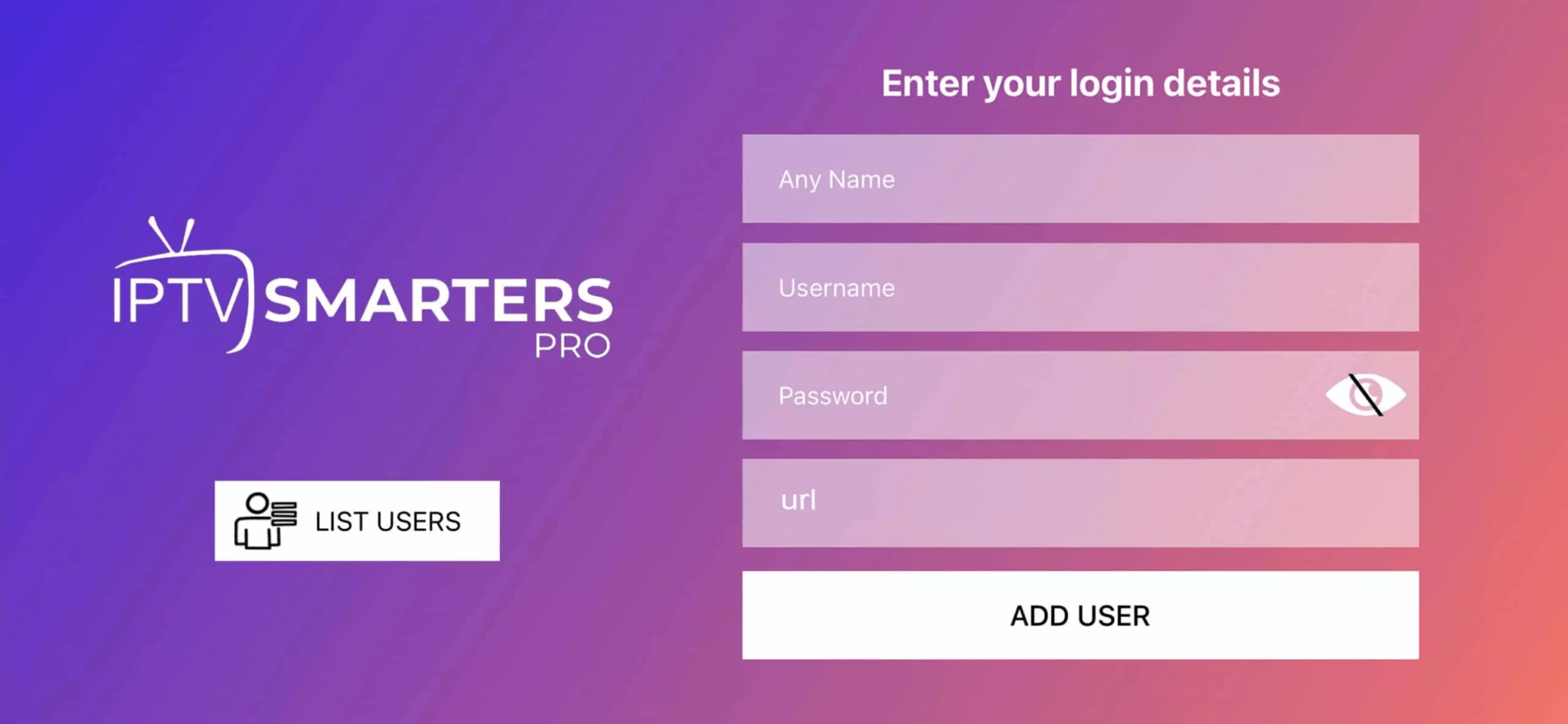
Open the installed app and log in using your Viznhaus credentials.
Step 1: You can download IPTV Smarters from your TV store on Samsung, LG…
Step 2: Open the app once downloaded and Enter the login details.